Files processed today: 0

40+ PDF Tools That Save Time and Storage.

Merge PDF

Combine multiple PDFs into one document

Split PDF

Extract specific pages from your PDF

PDF Viewer

View and read PDF documents directly in your browser.

Compress PDF

Reduce file size without quality loss

Rotate PDF

Rotate pages in your PDF

Delete Pages

Remove unwanted pages

JPG to PDF

Convert images to PDF documents

PDF To Excel

Convert PDF to Excel easily with clean formatting and accurate data.

PDF To Word

Convert PDF to Word online free with accurate formatting and editable document output.

PDF to JPG

Extract images from PDF pages

PDF to Long Image

Convert entire PDF to one long image

Watermark

Add text or image watermarks

1

Add Page Numbers

Add page numbers automatically

Insert Page

Add blank pages or insert from other PDFs

Sign PDF

Add digital signatures to your documents

Excel To PDF

Convert Excel to PDF online free

Word To PDF

Convert Word to PDF online free

PDF Info Viewer

View pages, size, author, creation date

Metadata Editor

change PDF title, author, subject, and keywords instantly

Page Dimension Checker

Check PDF page dimensions and format

Font Detector

Analyze fonts used in your PDF

Text Extractor

Extract and copy text from PDF documents

Page Counter & Insights

Count pages and get document insights

Handwritten Enhancer

Enhance scanned handwritten documents

PDF Size Analyzer

Analyze file size and image weight

Blank Pages Remover

Detect and remove blank pages

Grayscale PDF

Convert PDF to grayscale

PDF Cover Page

Add a professional cover page

Crop PDF

Crop pages to remove unwanted margins

Redact PDF

Permanently remove sensitive content

Text to PDF

Convert typed text or .txt files to PDF

PDF Link Extractor

Extract all URLs with page numbers, copy, export

Smart Page Splitter

Split by headings, blank spaces, or fixed page count

PDF Study Mode

Highlight key sentences & generate summary

Chapter Extractor

Auto-detect chapters, extract selected chapters

Formula Extractor

Extract formulas from Math/Physics PDFs

Density Changer

Adjust text size & line spacing for readability

Diagram Extractor

Extract images, diagrams & charts into a PDF

Add Header & Footer

Add headers and footers to your PDF in seconds

Rearrange Pages

Reorder PDF pages to correct sequence with visual previews.

Extract Pages

Extract specific pages from any PDF document.

Flatten PDF

Make PDF Non Editable

Whiteout PDF

Easily whiteout or redact any area of your PDF

ZIP To PDF

Convert Zip Folder Into PDF online

PDF Word Count

Count Words in PDF And Download Analysis Report

Bookmark PDF

Automatically saves your last viewed PDF page

PDF Tools Online – Merge, Compress, Edit & Convert PDF Files Easily

Welcome to Docypdf, the advanced PDF toolbox built for speed, security, and simplicity. Whether you're a student, office professional, or business owner, you can easily merge PDF online free, compress PDF without losing quality, convert PDF to Word online, and manage documents with professional results — all without watermarks or signup requirements. Docypdf is designed to make document handling effortless and accessible for everyone. There is no software installation, no email registration, just fast, browser-based PDF processing. From large reports and assignments to contracts and presentations, every file is handled smoothly with optimized performance. Your privacy is a priority. With secure browser processing, strong encryption standards, and automatic file deletion after a short time, your documents remain protected at every step. Experience a modern, clean, and reliable way to manage PDFs — completely free, fast, and built for real-world use cases.

📌 Why Professionals Trust free pdf tools online every day

Managing PDF files should be simple, fast, and secure and that’s exactly what Docypdf delivers. Thousands of users trust Docypdf every day for PDF tools online that work sign-ups, or watermarks. Whether you need to merge PDF online free, compress PDF without losing quality, split large documents, or convert PDF to Word online, DocyPDF provides professional-quality results directly in your browser, our advanced processing engine preserves fonts, layouts, vector graphics, hyperlinks, and image quality for accurate output every time. tudents use Docypdf to edit assignments quickly, office teams optimize reports and invoices, and businesses securely manage contracts and presentations. Our platform also supports OCR text extraction, form field detection, batch processing, and fast multi-file conversion for maximum productivity. Most tools run locally with modern WebAssembly technology, helping protect your privacy and keeping your files secure. Looking for the best free online PDF tool without watermark? DocyPDF is designed to provide fast, reliable, and secure PDF solutions for everyone. You can merge multiple PDFs, compress scanned files, convert images to PDF, and edit documents in seconds without installing software.

Docypdf smart compression technology can reduce PDF size by up to 80% while keeping text clear and readable. With a clean modern interface, fast processing, and reliable performance, Docypdf makes PDF management simple for students, professionals, and businesses. Docypdf is a privacy focused online PDF toolkit offering secure compression, PDF conversion, fast browser-based processing, and watermark-free downloads for free.

🔥 Why Choose Us Over Other Platforms?

⚡ Blazing Speed – Powered by edge computing and Rust-based PDF engine.
🔒 Zero-Knowledge Privacy – Files auto-delete after 2 hours. GDPR compliant.
📱 Mobile Optimized – Works perfectly on iPhone, Android, and tablets.
🛠️ 40+ Advanced Tools – Merge, split, compress, convert, edit, and more.
🌍 No Download Required – Pure web app, no software installation.
🎯 Preserves Quality – Lossless compression algorithms for text & images.
✅ 24/7 Availability – Cloud infrastructure with 99.95% uptime SLA.

📘 How It Works – Simple as 1-2-3-4

1
📂

Upload Your PDF

Drag & drop or click to choose any PDF file from your device, Google Drive, or Dropbox.

2
🛠️

Select a Tool

Choose merge, compress, convert, split, edit or any specialized action from our toolkit.

3
⚙️

Process Instantly

Our engine processes your file in seconds without uploading (or with ephemeral servers).

4
⬇️

Download Result

Save the converted, merged, or compressed PDF directly — no email or signup.

❓ Frequently Asked Questions

What is the best free PDF tool online without signup? Docypdf is one of the best free PDF tools online without signup in 2026 because it offers PDF compression, merge, split, text extracter, and PDF to Word/excel conversion with fast browser-based processing and no watermark downloads.
How can I reduce PDF file size online free fast without losing quality? You can reduce PDF file size online free fast using Docypdf smart compression tool, which optimizes images, fonts, and document structure while keeping text clear and readable for email, websites, and online submissions.
Is there a free PDF editor online without account registration?Yes, Docypdf provides a free PDF editor online without account registration where users can edit text, rearrange pages, highlight content, and manage PDF files directly from their browser.
Can I merge multiple PDFs online free without watermark?Yes, you can merge multiple PDFs online free without watermark using DocyPDF. The tool preserves formatting, hyperlinks, fonts, and image quality during the merge process.
What is the fastest online PDF converter for students?Docypdf is designed for fast PDF conversion, helping students quickly convert PDF to Word, JPG, or editable formats for assignments and project work.
What is the safest browser-based PDF tool?Browser-based PDF tools like Docypdf are considered safer because many operations run locally in the browser, reducing file uploads and improving document privacy during processing.
How do students convert PDF to editable Word online free?Students can use Docypdf to convert PDF to editable Word online free while maintaining formatting for assignments, notes, research papers, and project files.
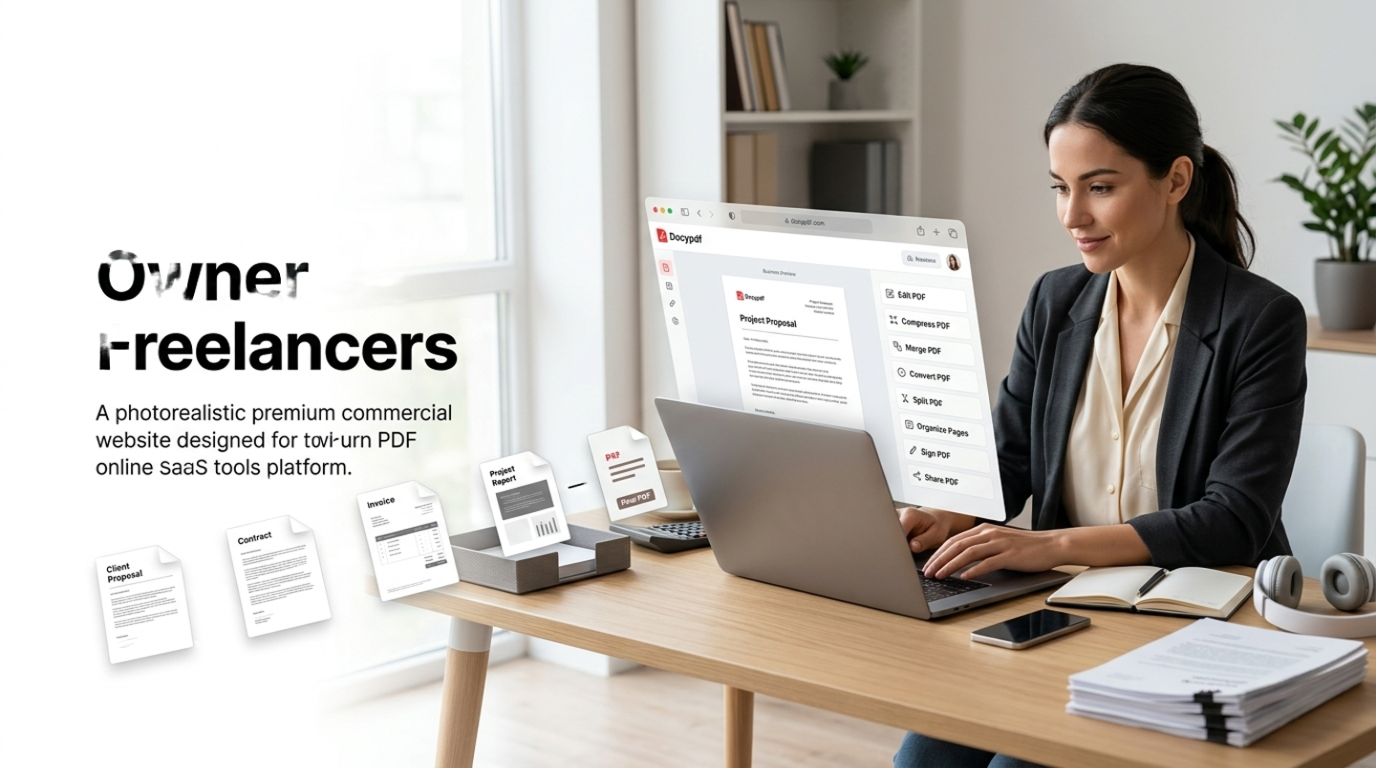
Which PDF tool is best for freelancers and remote teams? Freelancers and remote teams use Docypdf for compressing proposals, merging contracts, converting invoices, and editing PDFs quickly without software installation or subscription fees.
Which free PDF tool works on mobile without app installation? Docypdf works directly in mobile browsers, allowing users to merge, compress, split, and convert PDF files without downloading any Android or iPhone app.

🎓 For Students, Business & Office Power Users

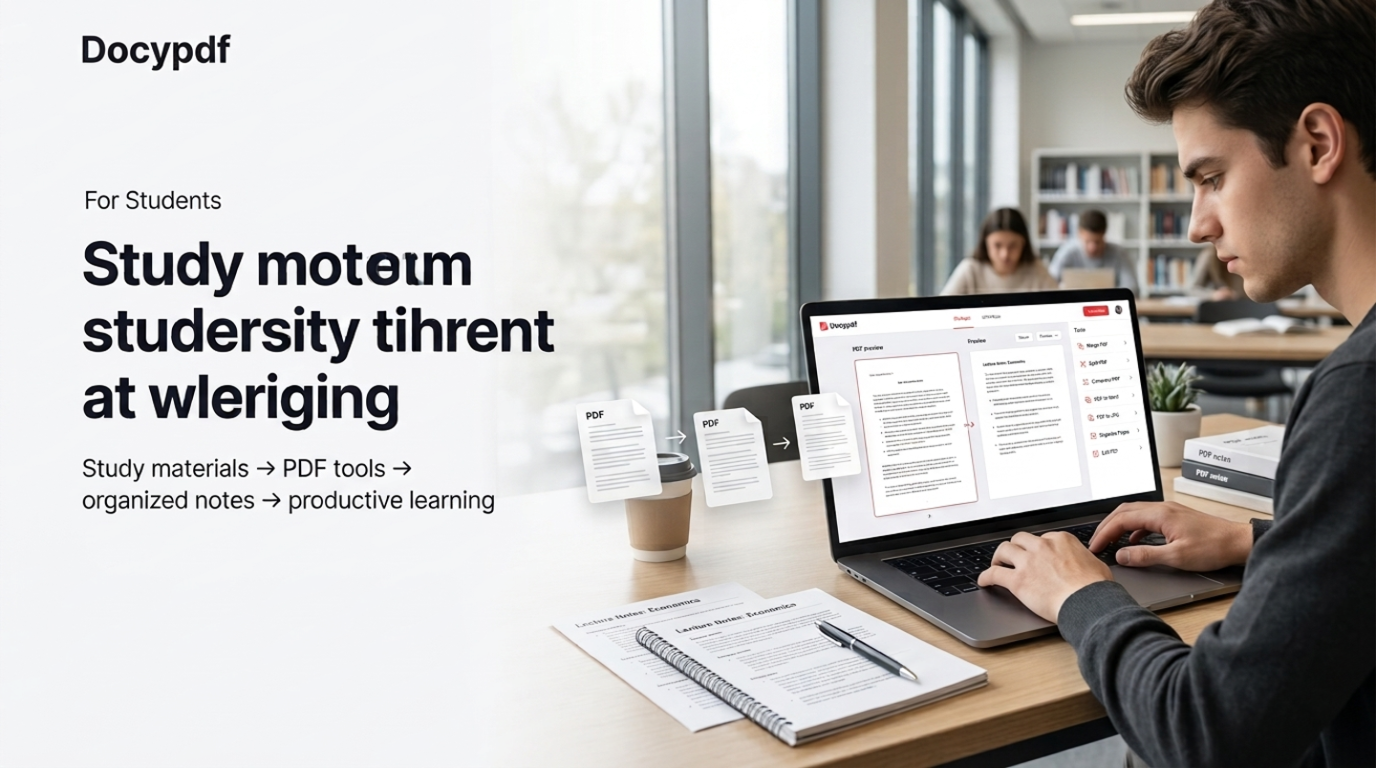
Students: can simplify document work with Docypdf and avoid formatting problems during assignments or project submissions. Easily reduce PDF file size online free fast before uploading to university portals with file size limits. Merge lecture slides, study notes, research papers, and assignments into one organized PDF in seconds. With our free PDF editor online without signup, you can highlight important sections, add notes, and manage group projects directly from your browser. Need editable documents for corrections or revisions? Simply convert PDF to Word editable online free while keeping the original formatting accurate. From thesis formatting and ebooks to classroom notes and presentations, DocyPDF provides fast, secure, and watermark-free PDF tools for students without requiring expensive software or account registration.

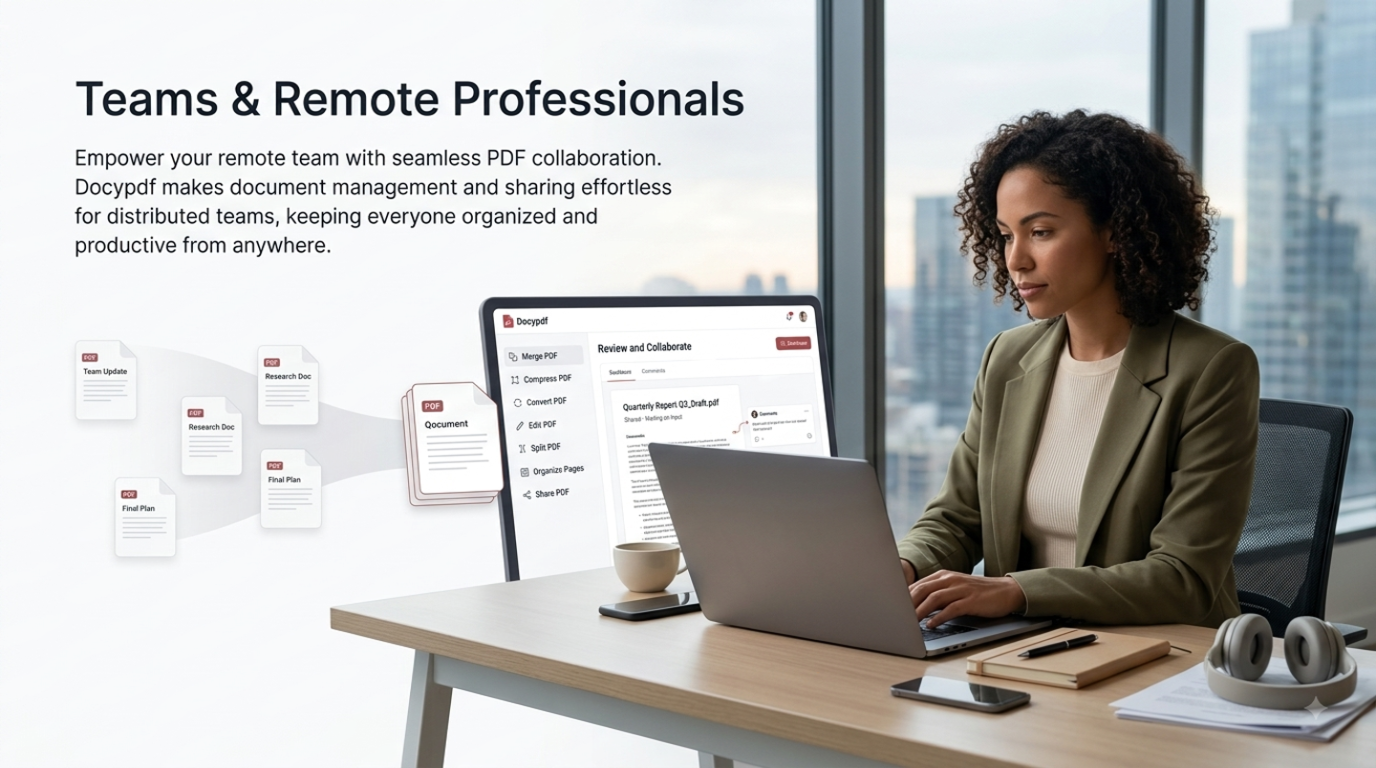
teams and remote professionals: trust Docypdf for fast and secure PDF management in daily workflows. Compress large PDF reports before sending emails, merge financial documents into a single organized file, or rotate scanned contracts in seconds. Our browser-based PDF tools work smoothly without software installation or IT approval, making them ideal for remote work environments. HR departments can batch-process employee handbooks, split performance reviews, and protect confidential documents with password security. Businesses also use DocyPDF for watermarking, adding headers and footers, reorganizing pages, and managing professional PDF files efficiently. Legal and corporate teams rely on accurate PDF split and editing tools to handle contracts, reports, and sensitive document sections quickly and securely.

owners and freelancers use Docypdf: to create professional PDFs for portfolios, invoices, proposals, and client documents. Easily convert Canva PDF designs into editable Word files for quick updates, compress PDFs for faster website downloads, and manage large document collections without usage limits. Whether you handle contracts, presentations, or marketing reports, DocyPDF provides fast and secure tools designed for daily business workflows. You can merge PDF online free to combine contracts, NDAs, invoices, and client feedback into one organized document. Docypdf helps convert scanned PDFs into and editable text for reports, records, and business files. With high-speed processing, watermark-free downloads, and browser-based security, DocyPDF delivers smart, reliable, and professional PDF tools for freelancers, agencies, and growing businesses.